
Kairos 30.2
Menu.

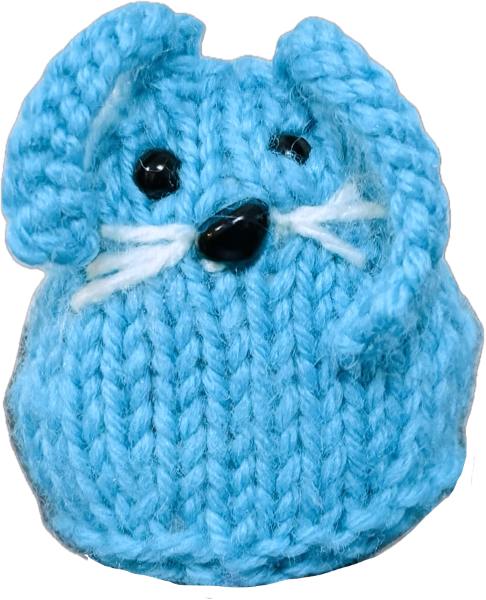
Engage with Conference Creatures!

On Social Media:

Step 1: Photograph your creature (anywhere)!

Step 2: Write a caption to be featured with your Conference Creature, if desired.

Step 3: Post or send your creature photo and caption to us!

  • Email your pics to conference.creatures1@gmail.com
  • Post to Instagram and tag @conference.creatures in the photo

or

  • Direct message your pics to the Conference.Creatures Instagram or Facebook accounts

Other tips:

  • Include #conferencecreatures in your captions
  • Take a photograph of or with your conference.creature in location(s) of your choosing
  • Keep an eye out for conference.creatures posts to see when your contribution is posted!
  • Not into social media?

    Here are some other ways to engage:

    • Talk to others about Conference Creatures!
    • Enjoy your creature after the conference concludes!
    • Take your creature to other conferences with you!
    • Look out for creatures at future conferences!
    • Allow Conference Creatures to spark your creativity!

    The profile icon labeled with the yellow star shows where you can see the Conference Creatures posts from those who have engaged with us on Instagram!

    Conference Creatures Instagram with a star over a person icon.

    Do you want your Creature pics to be featured on our Instagram?

    The instructions and video tutorial featured below model how to tag the @Conference.Creatures Instagram account in your creature photos so that your photos appear on our profile and are visible to our followers!

    Tagging our account in the caption sends us a notification, but does not enable others to see your creature exploring the world!

    Step-by-Step Instructions:

    • Navigate to the create button as you would when you typically post to Instagram
    • Select your desired photos and make any edits that you want to appear when you post
    • Before posting, select the "tag people" button
    • Type "conference.creatures" into the search bar at the top of the screen that appears
    • Select our profile and hit "Done"
    • Share to Instagram!

    Video Tutorial:

    This video does not have sound and is intended to illustrate the written instructions above.

    Yarn Ball.
    Back
    Yarn Ball.
    Next